EG4 Community Forum

I can not enable Ba...
 
Notifications
Clear all

Question I can not enable Battery Backup Mode on my EG4 18 kpv + Gridboss

4 Posts
2 Users
0 Reactions
184 Views
Posts: 2
Topic starter
(@pigsy2001gmail-com)
New Member
Joined: 2 months ago

New DIY installation with Gridboss and 18kpv + 14.3kW battery.

One serious issue is that I cannot enable battery backup mode in my inverter setting.
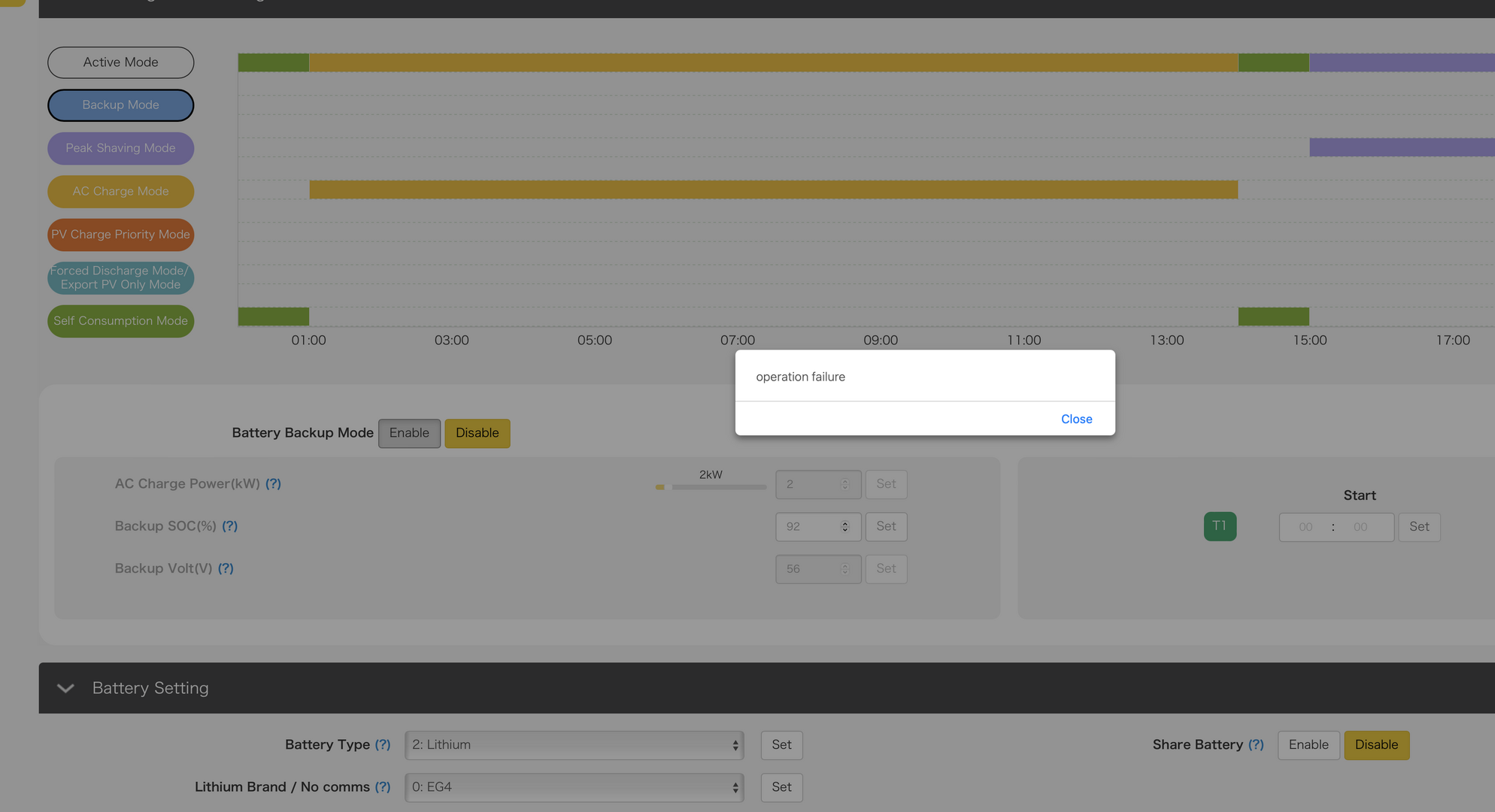
Unable to bacttery backup mode

In the web monitor app, Gridboss is 'Normal' in the 'device overview', but it is 'offline' in the 'Station overview'. 
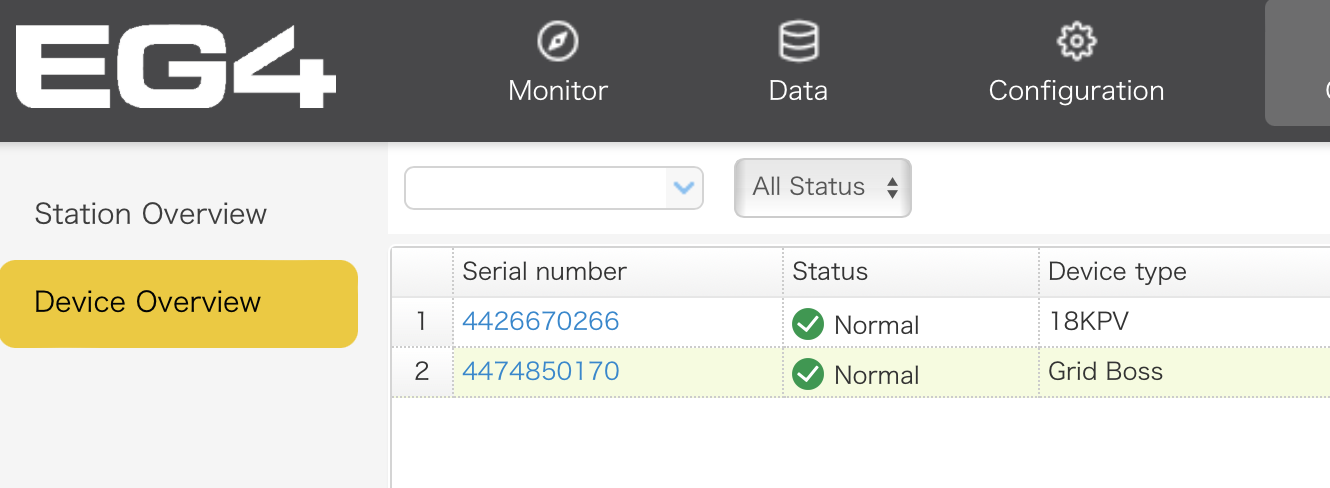
Device overview
Station overview

The screen also is not showing 18kpv as if the inverter is not visible. 
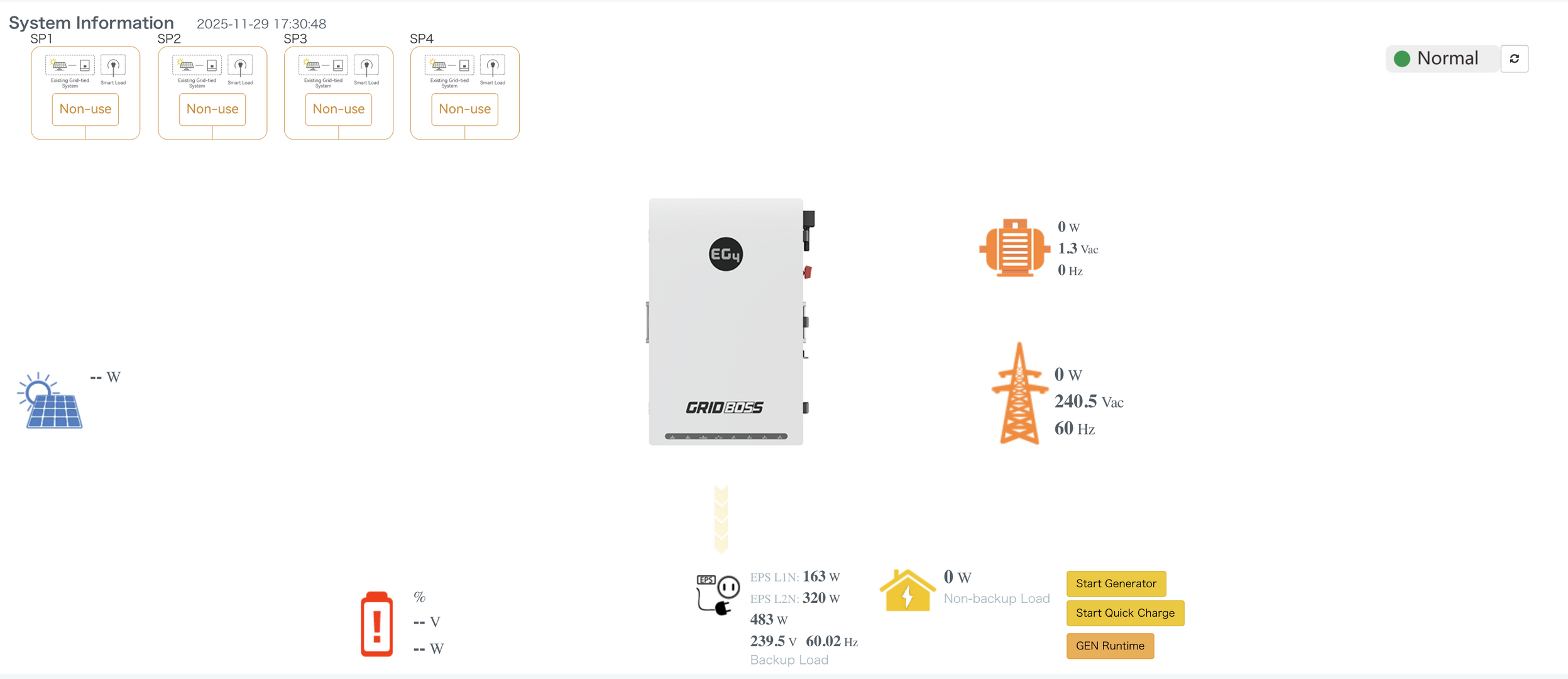
Gridboss

DIP switches and Two parallel ethernet cables are OK (using shielded STP cables) and also tested using different cables.

Dongle is wifi-connected and is normal according to the monitor web app.

I'd appreciate some help here.

Thanks


3 Replies
EG4 Eric
Posts: 959
Admin
(@eg4eric)
EG4 Online Support
Joined: 1 year ago

I tried setting battery backup on my end, and it worked. Did you still need assistance with this?


Reply
2 Replies
(@pigsy2001gmail-com)
Joined: 2 months ago

New Member
Posts: 2

@eg4eric  Thanks for checking, Eric. 

The problem (failure to 'enable battery backup mode') still persists.

Even worse, I cannot discharge the battery using 'peak shaving mode' or 'Forced discharge mode'.  

Low percentage (2~3%) of battery  power is discharged and re-charged back to the set SoC.  

But, 18kpv inverter keeps getting power from the grid only. 

My system is without any solar connected yet. Is there some special configuration I need to have?


Reply
EG4 Eric
Admin
(@eg4eric)
Joined: 1 year ago

EG4 Online Support
Posts: 959

@pigsy2001gmail-com 
I went ahead and set Battery Back up mode for you. 

Do you have EG4 WallMount battery?

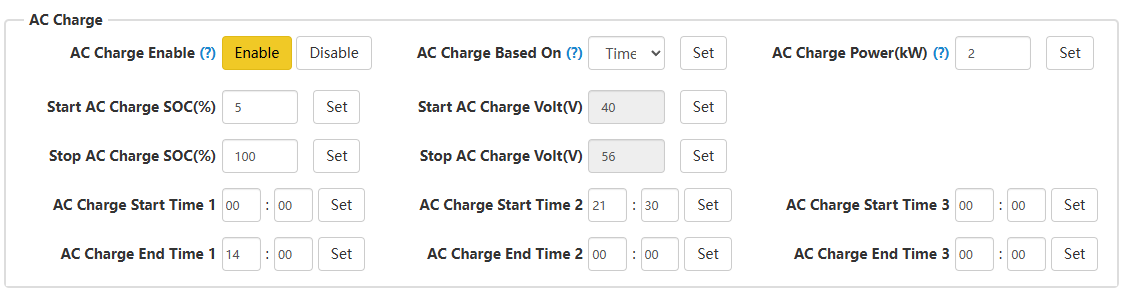
Also, remember you wont be able to discharge the batteries within the times you have set for AC Charge 

image

Reply
Share: