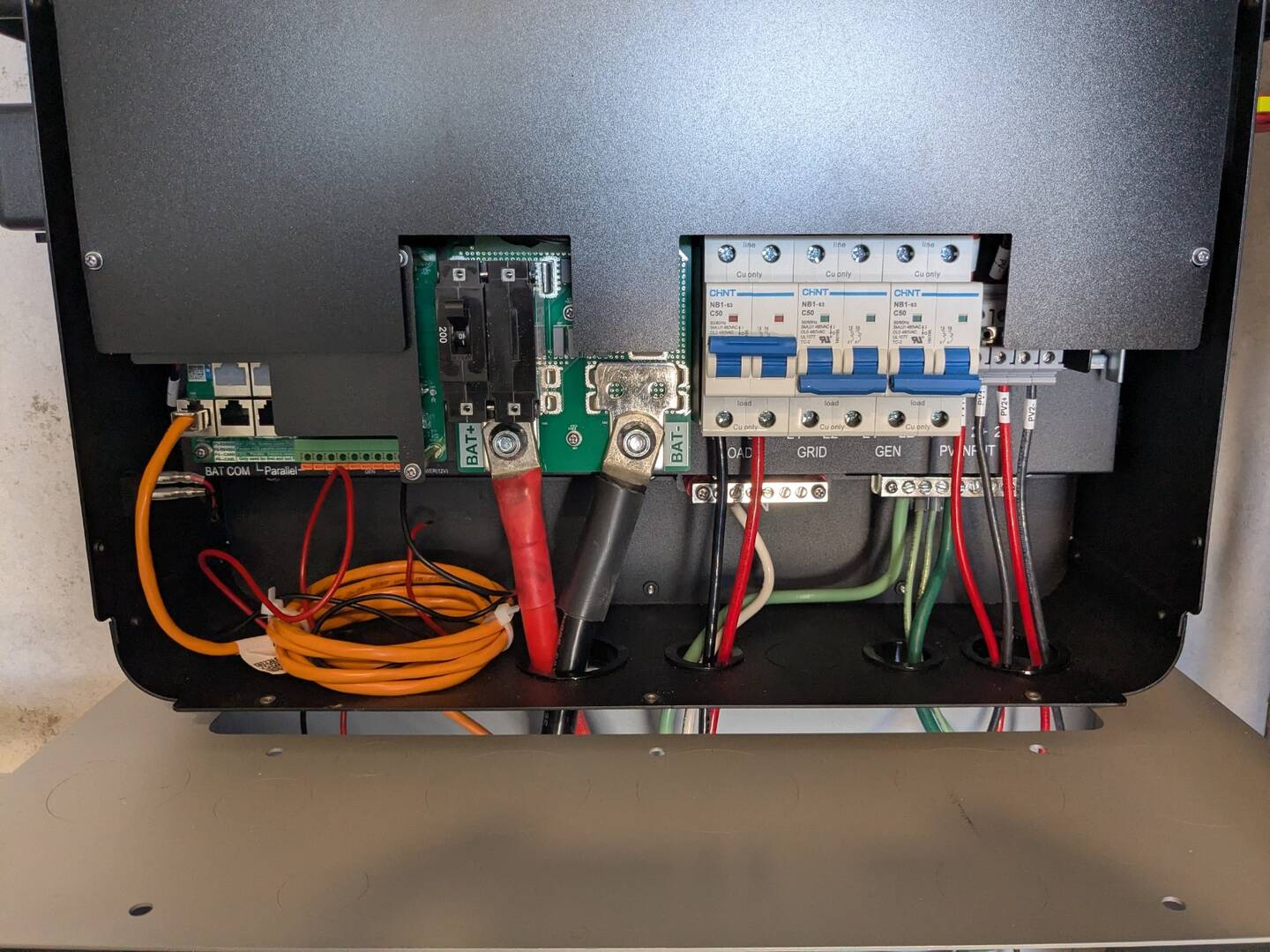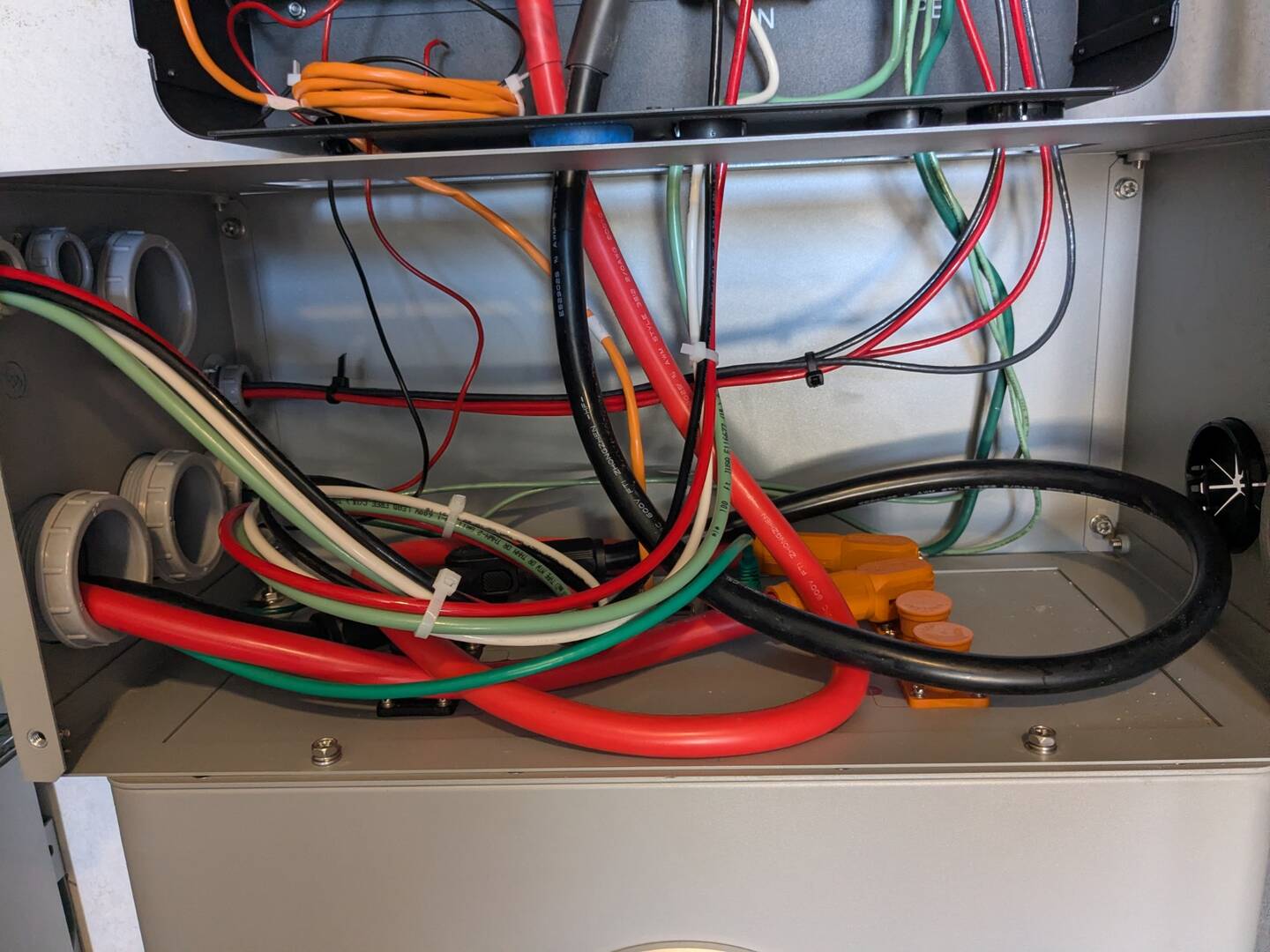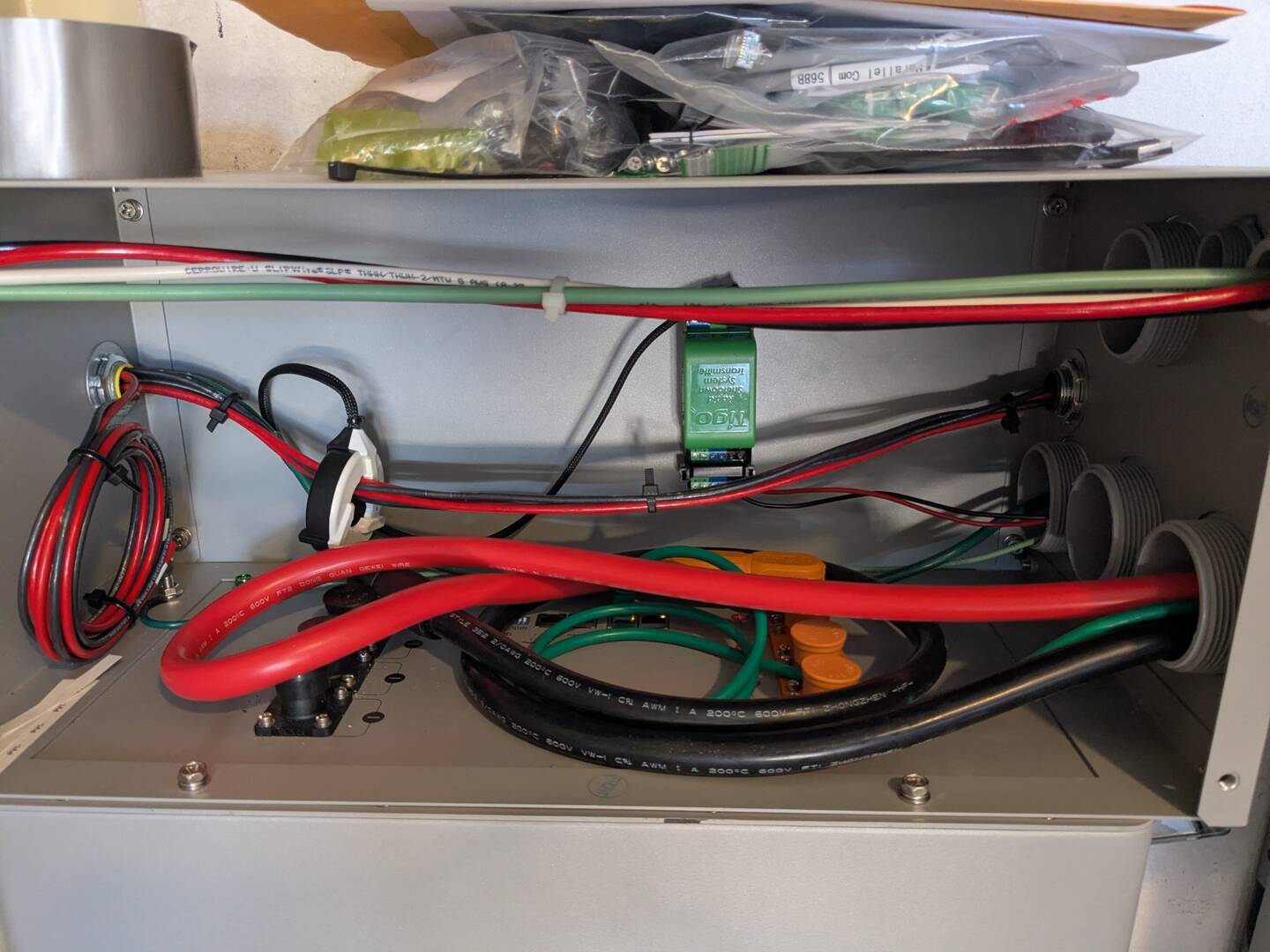

In short, I would like to know:
- if a hard reset of each battery using the pinhole ‘Reset’ button could solve my problem, and
- the right steps to perform the reset?
My system is at a remote, off-grid site with no internet or cell service.
1, EG4 6000XP
2, EG4 14.3 kWh Indoor Wallmount batteries
10, Aptos 440W monofacial panels (2 x 5s)
The inverter and batteries have been working fine for about 8 months and very limited use. When needed, I have recharged the batteries directly with an EG4 Chargeverter and portable Honda generator. I recently finished installing the panels and wiring, and the system appeared to be functioning normally for about two hours (i.e., batteries charging/discharging and the inverter supporting small loads). At that point, I completely shut down the system per the EG4 manuals to rearrange the 2/0 battery cables connecting the batteries and the inverter. When I restarted the system, the batteries appeared to boot up normally (no alarms), but the inverter was reporting zero voltage from both batteries and a ‘00’ warning code. I then measured zero volts at the battery terminals of both batteries.
I then realized that my moving of the cables changed the battery DIP switches to battery IDs of 61 and 62. I tried to restart the system with the battery DIP switches set to ID=1 (master) and ID=2 (parallel battery), but it had no effect. Stumped for the moment and needing to go home, I shut everything down and left.
A little research has me thinking that starting the system with incorrect DIP switch settings caused the BMS’s to shut down battery output. Also, I might be able to fix this problem with a hard reset of the BMSs using the recessed button below the ‘Reset’ pinhole on top of each battery. Can you confirm this might work? Or do you think I blew fuses or seriously damaged something?
If you think the reset might work, please provide some clarification about doing it. The manuals are vague on the subject. My idea was to reset each battery as follows:
- 6000XP shut down with battery circuit breaker OPEN.
- Battery BMS off and circuit breaker OPEN.
- Disconnect all communication cables to the battery.
- Set the DIP switches all ON (ID=64, as it came from the factory).
- Insert a rigid stick/pin in the Reset pinhole and press the button.
I could use some clarification on the DIP switch settings, how long to press the Reset button, and how the BMS responds when you do a ‘hard’ reset.