I had been communication with Dominick Wheeler at Current Connected. I had recently placed an order for the dongle through them and the order date had been pushed out. He responded to me through an Email stating the following on 11/14/25 -
@fkitzmann
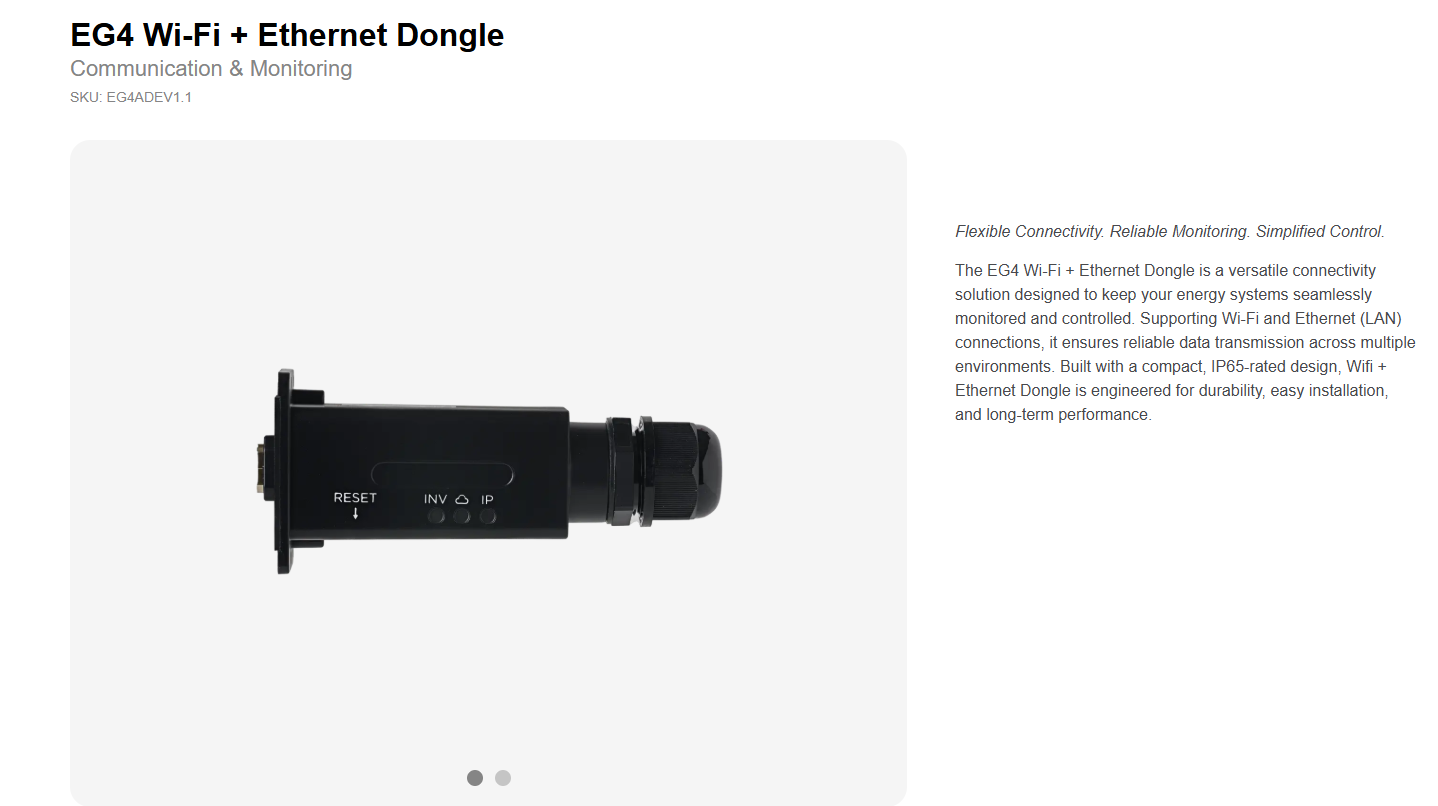
After further investigation, I found out that we will be offering a Wi-Fi + Ethernet dongle. However, I have not yet received confirmation on whether it will be included with newly purchased equipment.
Yes - I did contact Dominick again to see where my shipment was. He said that they received a small shipment but was not enough to fulfill all requests, including mine. So I'm still waiting. Hopefully the next shipment will fulfill my order.
See new post - EG4 Wi-Fi + Ethernet Dongle does not work on Ethernet path
Note that the WiFi connection can drop out any time if it's signal strength is marginal. Try this if it happens again. Before disturbing anything. Get close to the WiFi dongle and with your phone, go to your WiFi settings and see if the dongles serial number shows up. Check the signal strength and walk towards your WiFi router. Does it still have enough signal to reach your router? If not, then you will need to move your router closer. If your dongle actually has 4 lights (Inv, Cloud, Net & IP). Then you most likely have a newer dongle that supports Ethernet. If so, you could also try running a Ethernet cable to it if it's a WiFi signal strength issue. You could also use a WiFi extender if the signal strength is week. You can also try a local connect with your phone but you first must log out from the app and be close to the dongle.